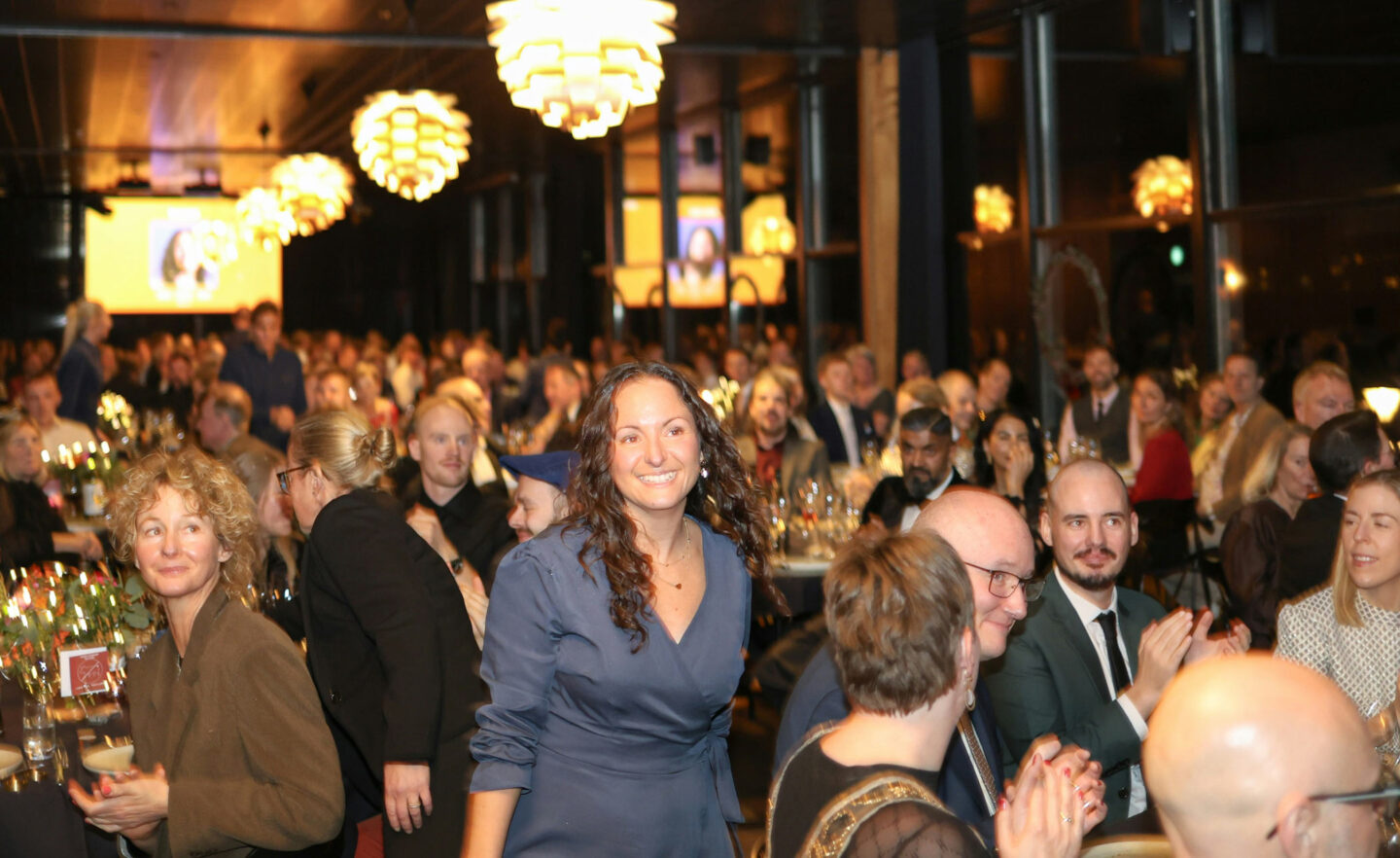
A reception is one of those events where the best photos are everywhere and nowhere. The room is full of well-dressed guests with a glass of champagne in hand and half of them have never met. As host you want as many of those photos as possible, for your social channels and as a memory of a moment worth remembering.
The easiest way to get them is one shared 5GB album that every guest adds to with a single QR code. Create one for free here (instant & no account required!).
The short version
- One private cloudalbum collects photos from every guest, not just the photographer.
- Show them live on the big screen with the free Live Photo Wall.
- No apps and no accounts, so even guests who have never met can join.
- Full quality and ready for social media. Completely Free (or with extra features in pro).
What counts as a reception?
Receptions come in many forms and the same approach fits them all. The opening of a new building or business. Welcoming a new CEO. An engagement or wedding announcement. Honoring an employee, an award ceremony, a press event or a New Year’s conference, networking events… There is a smart setting, a glass in hand and plenty of people worth photographing.
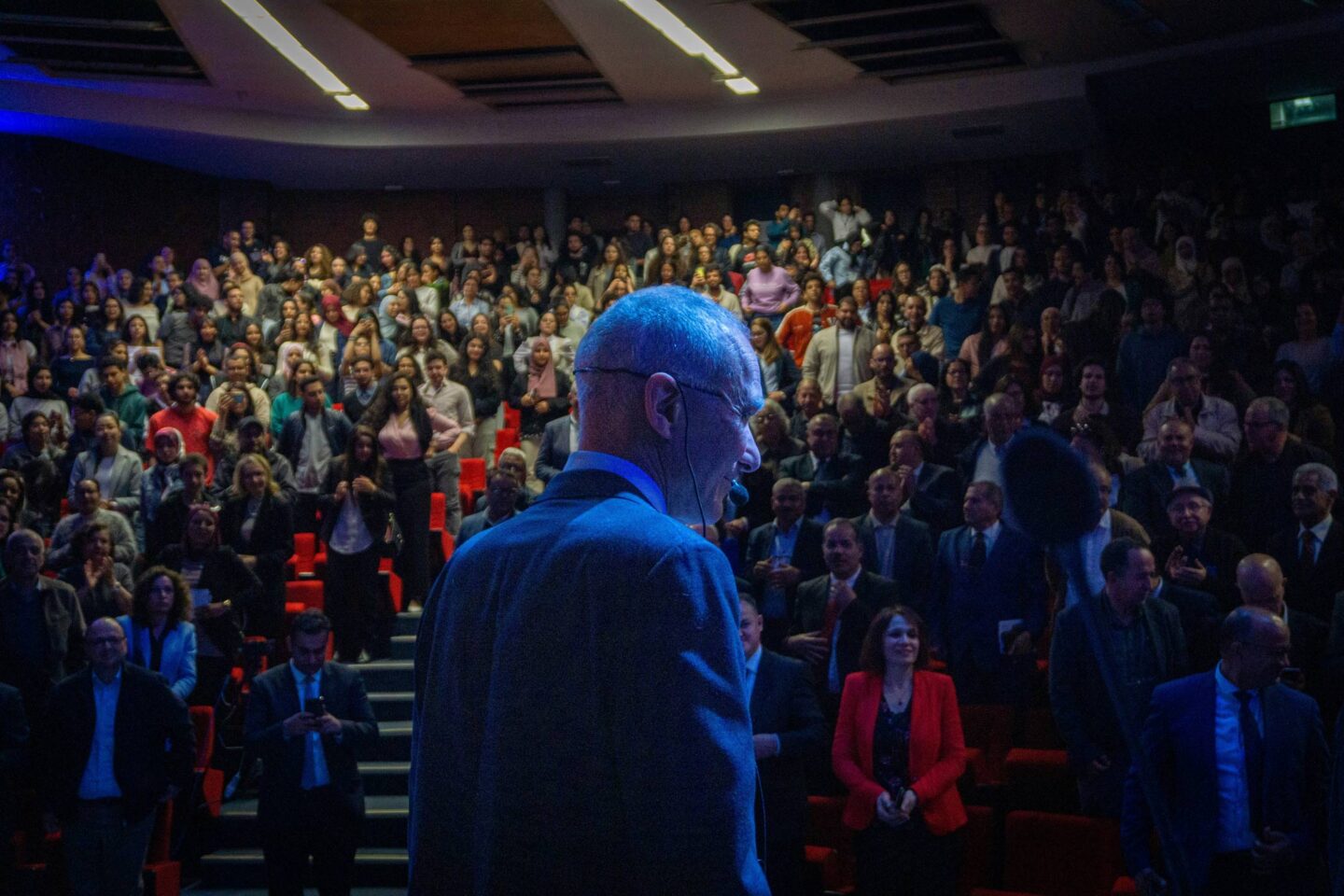
Speeches, cutting ribbons, special announcements or big revelations… these moments can be pretty priceless, so you want to have them documented for yourself, the guests and perhaps the press!
One album, one QR code
Setting it up takes about a minute. Go to eventogra.ph and an album is created instantly with its own link and QR code. Give it the name of the event, then print the QR code for the tables and the entrance or show it on a screen. Guests scan it and upload their photos and videos straight from their phones. There is nothing to install and no account to make, for you or for them.
Put it on the big screen with the Live Photo Wall
This is where a reception really comes alive. Point a big screen or a TV to the Live Photo Wall of your album and it plays a beautiful, self-updating slideshow, with three creative views to choose from. Any photo a guest uploads appears in the loop within about 60 seconds. It is included for free!
Three things make it ideal for a reception:
- Seeing their own photo appear on the big screen gently nudges guests to upload more, so the album fills up on its own.
- The photos make for a good conversation starter and perhaps guests will notice friends or acquaintances they’d otherwise forget to approach.
- The screen keeps your QR code in view all evening, so latecomers always know how to join. With PRO you can add your own logo and color scheme to the wall for a polished, on-brand display that suits a formal setting.
Why it works so well at a reception
Not everyone knows each other
Receptions mix circles that rarely overlap, so people often arrive not knowing half the room. A shared QR code is a graceful equaliser. Nobody has to swap numbers or track down an email to send a photo later. They scan, they upload and everyone adds to the same gallery.
You get every group shot, from every angle
There are always group photos at receptions and they are hard to get right. With Eventograph, when several guests photograph the same group, all the versions land in one album so you can pick the one where nobody blinked.
Because Eventograph keeps files 100% untouched, you get them in full quality, sharp enough for print or a polished social post. Not some forwarded Whatsapp version of 75kb.
Your photographer is covered too
Most receptions have a professional photographer, but even the best one cannot be everywhere at once. Guests catch the candid moments the photographer misses and the photographer can add their own edited shots to the same album afterwards. You end up with one complete gallery instead of scattered sources.
If it’s a business event, you and your colleagues can already process photos & videos in the album on the day/evening of the reception, which is ideal to keep the buzz going on social media.
Less hassle for everyone afterwards
No chasing guests for their photos, no giant email threads and no compressed images buried in a chat. Anyone with the link downloads what they want, and you have a clean, full-quality set ready to post while the event is still fresh.
Private and on-brand
A reception often carries a company or a personal name, so privacy matters. Your album stays private behind your link, with no ads, no trackers and nothing used to train AI, hosted in the EU under GDPR.
On the free plan it self-destructs after 15 days. With Eventograph PRO you can keep it as long as you like and dress it in your own branding, with a couple of extra controls.
Quick answers
How do you collect photos from guests at a reception?
Create one shared album and put its QR code on the tables and a screen. Guests upload their own photos without accounts and you gather everything in one place in full quality!
Can I show the photos live on a screen?
Yes. The free Live Photo Wall plays a self-updating slideshow on any big screen, with three views and new photos appear within about 60 seconds.
Do guests need an app or account?
No. They scan a QR code or open a link, then upload. Nothing to install and no sign-up, which is ideal when not everyone knows each other.
Will the photos be good enough for social media?
Yes. Files stay 100% untouched, so you get full-resolution photos and videos, ready to post.
Make your reception memorable and shareable
A reception is a moment to look good and be remembered, so it deserves more than a handful of stray photos. One shared album turns every guest into a contributor, the Live Photo Wall keeps the energy up on the big screen, and you walk away with a full-quality gallery for your social channels and your memories.
Set up a free album at eventogra.ph before your next reception, or grab the free Android app to manage it on the night. And when you want your logo on the wall and more control, Eventograph PRO is there whenever it suits you.