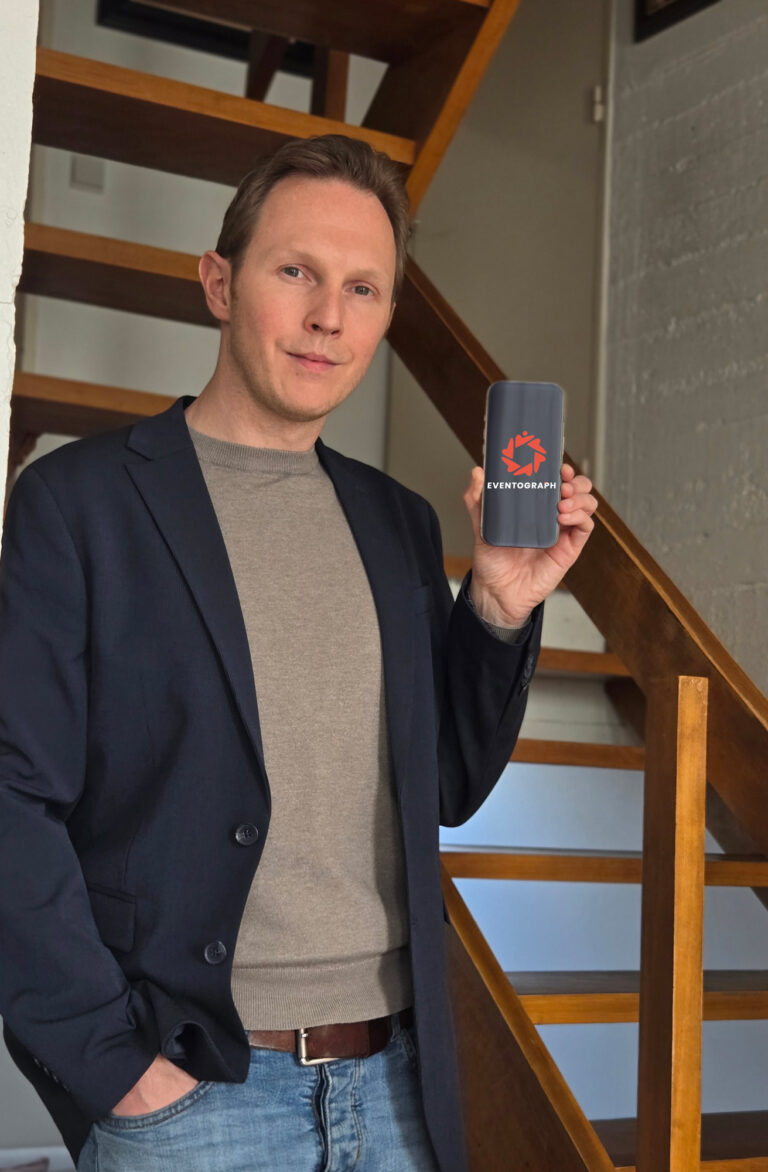
Journalists move fast and files need to move with them. Eventograph gives you one link or QR code to send and receive photos, video and documents in full, uncompressed quality. Sources can upload without an account or app, and all without handing over a name, number or email. Create one free at eventogra.ph, or reach for the extra control of PRO when the story calls for it.
The short version
- One link or QR code to send footage to the newsroom and receive it from the field.
- Sources upload with no account, no app and no personal details exchanged.
- Files stay 100% uncompressed, which matters for quality and verification.
- Private by design, hosted in the EU under GDPR. PRO adds branding and control.
The file problems journalists keep running into
Newsrooms run on deadlines, but the tools most people use to move files were not built for that. Email caps out after a few megabytes. Messaging apps crush quality and strip the detail you need. Transfer services can be a hassle and who knows what happens to the sensitive data… and cloud drives ask both sides to log in and grant permissions or run full quickly.
Then there is the harder problem. Much of the material a journalist needs comes from people outside the newsroom. A witness on the scene. Neighbors who filmed something important. The anonymous source with a document to share. These people are willing to provide content and help you, but they can and should be afraid being identified. Every extra step you ask of them is a reason they might walk away.
One link that works in both directions
Eventograph is a simple web page that creates a private album with its own link and QR code. It works the same whether you are sending or receiving.
From the field, you upload your footage and the desk opens the same link to download it, in full quality, in seconds. Back at the desk, you can share a link with a reporter, a fixer or a freelancer and collect their material in one place. There is nothing to install and no account to make on either side.
If you are working from your phone, the free Eventograph Android app does the same job on the move.
Why uncompressed, full-quality files matter more than ever
In an era of AI-generated images and deepfakes, the original file is your best evidence. Compression throws away metadata and fine detail, which is exactly what you and/or your team needs to judge whether an unbelievable video or image is real. Files squeezed through a chat app are instantly stripped from these important details!
Eventograph keeps every file completely untouched. Your newsroom receives the full-resolution original with its metadata intact, ready to verify rather than a degraded copy. The same is true for a high-resolution scan of a document, where legibility can decide whether a story stands up. For broadcast and print, working from the untouched source protects both accuracy and quality.
Receiving footage from witnesses and locals without the friction
This is where a no-account tool really earns its place. Say something happens on a street corner and three passers-by filmed it. You can just show them a QR code or link and they upload their clips straight from their phones. Without sign-ups or swapping numbers, emails or personal data! It can protect not only your witness, it can also protect you in very sensitive crime-related cases.
It works for all the everyday material that lands in a reporter’s lap. Dashcam footage of an accident. A phone video of a fire. Photos from a local who was first on the scene. Because the barrier is a single tap, people actually follow through, and you get their files in the quality they were captured in rather than a WhatsApp copy.
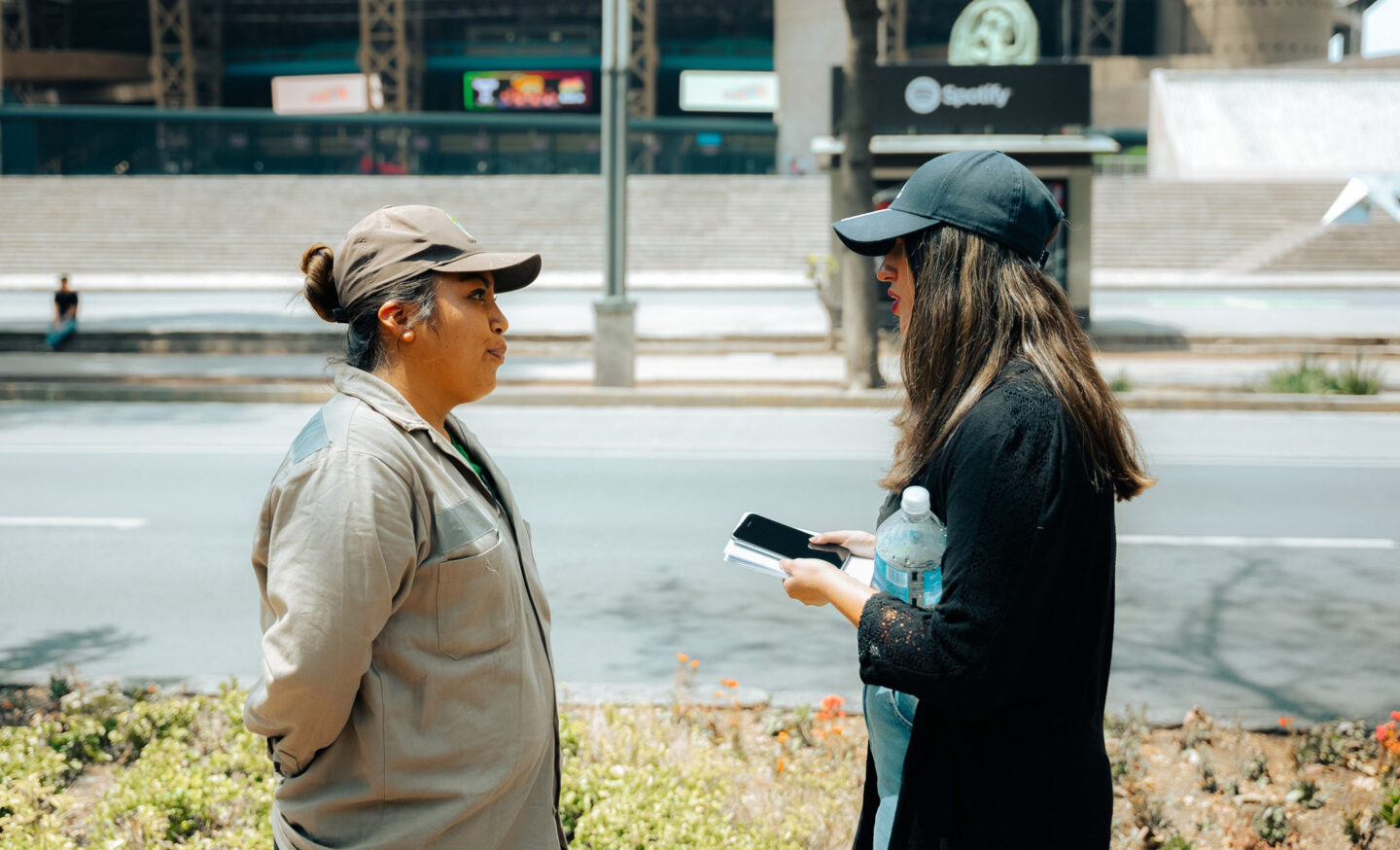
Protecting sources who would rather stay unnamed
For a source who is anxious about coming forward, the account itself is often the obstacle. Creating one, or sharing an email or phone number, feels like exposure. Eventograph removes that step. A whistleblower or a worried neighbour can send you files without giving a name, number or email, which lowers a very real barrier.
It is worth being honest about what this does and does not do. The files themselves keep their original metadata (e.g. EXIF data, date & time, phone model, camera info, gps location…), which is a benefit for your verification, but something a cautious source should understand about their own material.
For everyday tips this is rarely a concern. For genuinely high-risk sources, treat Eventograph as one tool inside the careful practices your newsroom already follows, alongside dedicated secure channels when the stakes demand them. Used well, it is a fast and low-exposure way to receive material that would otherwise never reach you.
Leaked documents, dashcams and recorded meetings
The same link handles the awkward files that other tools stumble on.
- High-resolution document scans, kept sharp and complete so you can read every line and later confirm the image was not altered.
- Dashcam and accident footage, often large video files that email and chat apps refuse.
- Recorded Teams or Zoom calls, useful for a public-sector worker or a communications team who needs to pass on a full meeting recording without a login for the recipient. EU hosting under GDPR is a genuine plus here.
In each case, one link moves the whole file at full size, to exactly the person who needs it. Be it yourself or the editors at the newsroom.
Why Eventograph PRO fits a working newsroom
The free plan is enough to try all of this on a single story. For professional, repeated use, PRO is built for the way journalists actually work.
- Your own branding. Put your outlet’s logo and colours on the upload page. A source is far more likely to trust a page that clearly belongs to a real newsroom than a generic one, and a whitelabel option removes any other branding entirely.
- A permanent QR code for your card. With no expiry on PRO, you can print a QR code on your business card or hand it out at events. Anyone can then send you files in seconds, with no further explanation needed. Or you could use ‘yourdomain.com/card’ and redirect it to a fresh album whenever you like.
- Turn off deletion. Access controls let you disable deleting, so once a witness has uploaded their clip, it cannot be wiped by accident or on second thoughts. You can also switch uploads and downloads on or off as a story develops.
- A dashboard and no expiry. Keep a separate album per story or per source, hold material for as long as an investigation runs and manage it all from one place.
You can find PRO at Eventograph PRO. It is affordable and it turns a simple sharing link into a proper part of your reporting toolkit. Just try the free trial and see if it suits your needs.
Quick answers
How can a journalist receive footage from a witness quickly?
Share a link or QR code from Eventograph. The witness uploads straight from their phone with no account or app. You receive the file in full quality.
Can a source send files without revealing their identity?
Yes. They can send files without giving a name, number or email, which removes a common barrier. Note that files keep their original metadata, so for high-risk sources use Eventograph alongside your newsroom’s dedicated secure channels.
Does Eventograph compress images, videos or documents?
No. Files stay 100% untouched, so you get the full-resolution original, which matters for both quality and verifying that an image or video is genuine.
What does PRO add for professional use?
Your own branding on the upload page adds confidence for your sources. A permanent QR code on your business card eases the sharing process and you get the ability to turn off deletion and there’s no expiry. All albums can be managed from one dashboard.
Get the file, make the deadline
Reporting is hard enough without fighting your tools. One link lets you send footage to the desk, receive it from the field and collect it from sources who would never install an app, all in the uncompressed quality your story depends on.
Start free at eventogra.ph, and when you want branding, permanent QR codes and tighter control, Eventograph PRO is ready whenever the story needs it.